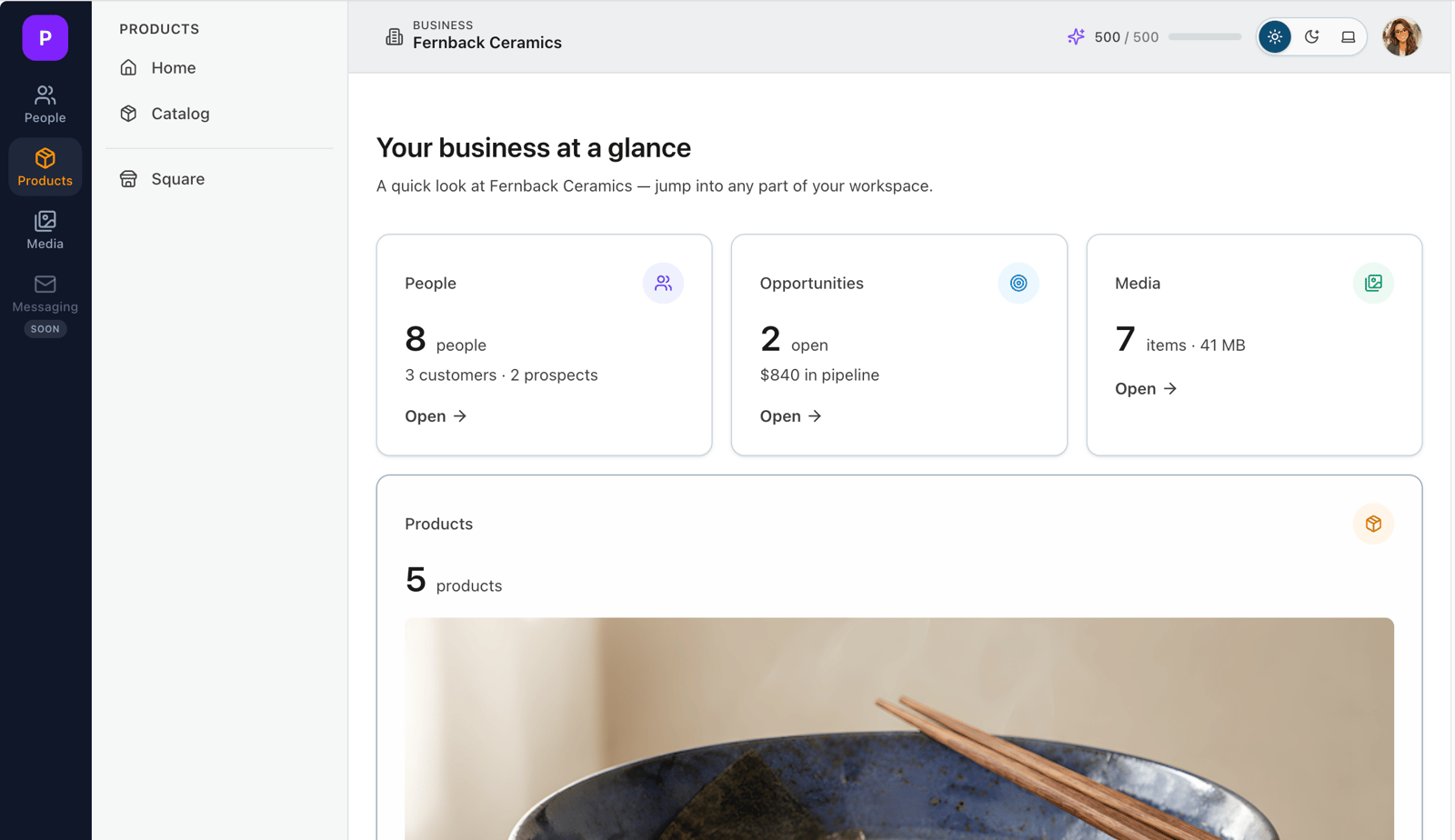
Welcome. Business Ops keeps your whole business in one place — the people you sell to, the products you make, and the images that show them off — and lets you publish to Square when you're ready to sell.
You don't have to set it all up at once. Here are the first four small wins. Do them in any order, whenever it suits you.
Add a contact
Put a real customer or lead into People — a name and an email is enough to start. Everything else (notes, opportunities, follow-ups) hangs off the people they belong to.
Create a product
Add one thing you make or sell in Products. Business Ops generates a tidy SKU for you and keeps its photos, price, and details together in one place.
Upload an image
Drag a photo into Media and Business Ops quietly does the professional bits for you — strips hidden location data, makes it web-ready, and builds the right sizes — so it's ready to use on a product or a listing.
Connect Square
When you're ready to sell, connect your Square store. Once it's linked, you can publish a product to Square in a couple of clicks and keep it in sync from here.
→ Connecting your Square store
That's the whole idea: one place to run the day to day, with the professional details handled for you. Pick whichever win is most useful right now — the rest will still be here.
Related: Adding your first contacts · Creating your first product · Uploading your first image · Connecting your Square store