Bring a helper, partner, or employee into your workspace. Inviting is done by the account owner or an admin.
Send an invite
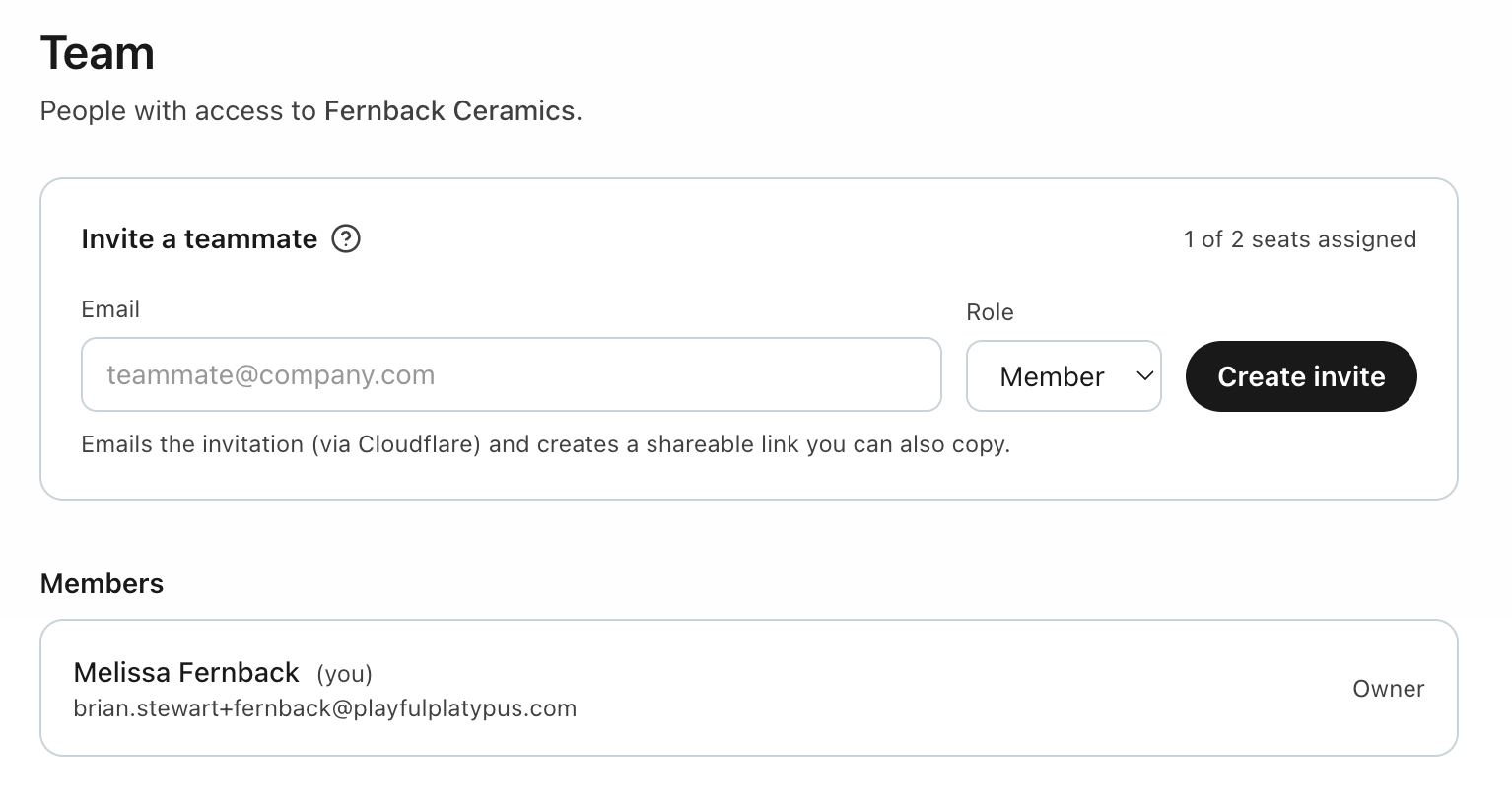
- Go to Team. Under Invite a teammate, enter their email and pick a role (Member or Admin).
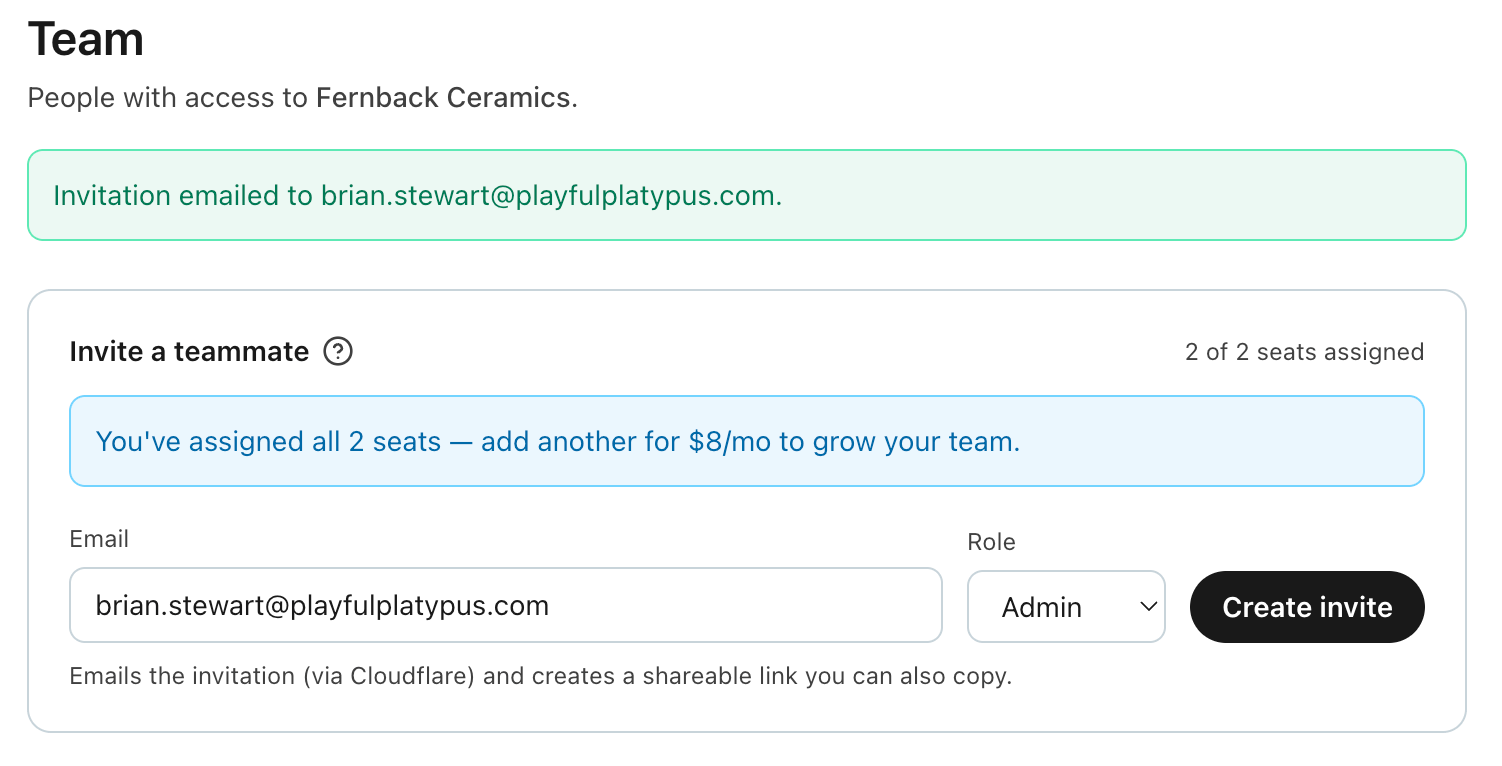
- Click Create invite. We email the invitation and give you a shareable link you can copy — handy if email is slow or you'd rather send it yourself.
- They open the link, sign in (or create an account) with that same email address, and confirm Join {your workspace}.
Invite links expire after 14 days. For any pending invite you can Copy invite link again or Revoke it.
Roles and what they can do
- Owner — you, the account creator. Full control, including billing and deleting the account. (There's one owner; it isn't a role you assign.)
- Admin — can manage the team (invite, revoke, remove people) and use the workspace fully. Can't touch the account danger zone.
- Member — full day-to-day access to the workspace, but can't manage the team.
Seats and your plan
- Every plan includes at least 2 seats, so your first teammate is free. The invite card shows "X of Y seats assigned."
- A pending invite holds a seat until it's accepted or revoked — so you can't accidentally over-invite.
- Need more than your plan includes? At the cap you'll see: "You've assigned all N seats — add another for $8/mo to grow your team." Adding seats never locks anyone out; existing members always keep their access.